
Rogue Blight Tools Hub
Status reference, map-node routing, and PC specs — lookup pages for mid-run decisions.
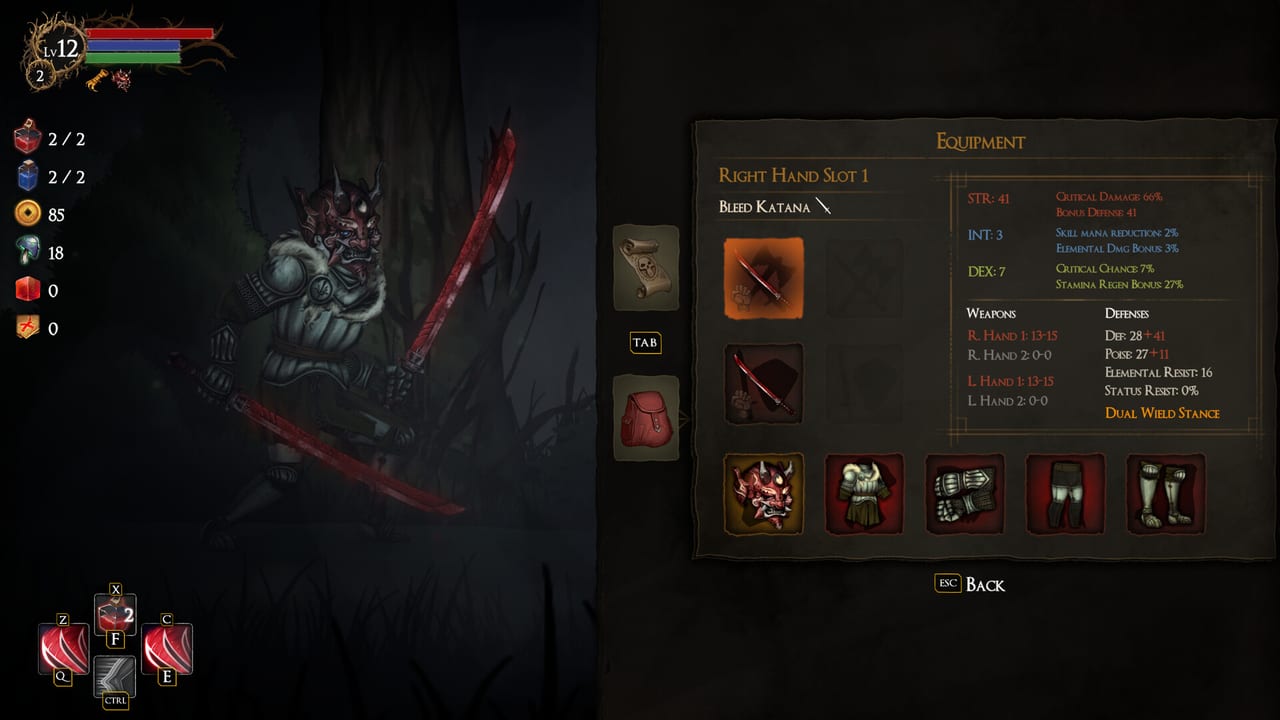
This hub is the lookup layer of the Rogue Blight wiki: short, factual pages you open while a timer is not running, then close. Guides teach you how to play. Tier lists argue about power. Tools answer “what does this node do,” “which of the ten statuses am I actually stacking,” and “will this laptop run the 3 September 2026 Steam build.”
Rogue Blight is a single-player 2D souls-like rogue-lite. Runs are built from map nodes, status bars, and a permanent meta (gold during the map, Funguy / fungus between runs). You do not need a companion app. You need a reference that does not invent mechanics. The child pages below stick to Steam text, official site numbers where they exist, and footage-labeled caveats everywhere else. The achievements page covers the 94 Steam achievements and the demo 1.18.2 Sanctuary unlock fix.
Status effects
The status effects tool lists all ten names Steam publishes: Bleed, Poison, Burn, Freeze, Shock, Choke, Shatter, Life Splash, Darkness, and Light Struck. They apply to any enemy, including bosses. Public footage shows additive buildup toward a full bar (an example on camera was 25% per hit). Same-type dual-wield cuts status apply rate by 40%, which is why mixed hands sometimes stack faster than matching pairs.
Use that page when a shop weapon mentions a status you have not built around, or when a blessing talks about apply rate and crit. It is not a damage calculator. Exact tick rates are not fully documented at launch, so the tool explains roles and build fit, not fake DPS.
Map encounters
The map encounters tool is the node legend: enemy, unknown / event, chest (blessings), shop, statue (health, mana, or stamina), bonfire, blacksmith (smelt spare gear), and boss. Three story chapters — Waywood Forest, Fireworn City, Blight Castle — roll those nodes into a branching, Slay the Spire-style graph. The official site talked about roughly 30 unknown events and about 20 unique meta upgrades that change later options (shop stock is the example they gave).
Open it when you are staring at three icons and a low potion count. Routing advice there is launch-week: statue early if a resource is thin, blacksmith when the inventory is junk, bonfire before the boss, unknown events as high-roll / high-variance, Challenge Maps as one attempt.
System requirements
The system requirements page copies the Steam tables for Windows, macOS, and Linux, then adds controller, Steam Cloud, 94 achievements, leaderboards, and an honest Steam Deck note: the demo was listed Steam Deck compatible on the developer site; the full game’s Steam Deck status is Unknown on the store. That is not the same as “unplayable.” It is also not a Verified badge.
If you are buying on a laptop, a Mac mini, or a handheld PC, read that page before you argue with the intro price. Storage is 7 GB on every listed platform. DirectX 10 is the Windows floor.
How this hub fits the rest of the wiki
- Learning to swing: getting started and combat
- What to put in your hands: weapons and builds, then weapons and builds
- What to click in a chest: blessings
- What shipped on day one: launch notes
Mid-run, the usual order is map tool first, status tool second, tier list third. Do not open system requirements during a boss. Do not open a blessing rank while the statue prompt is up if you already know you need stamina.
These three pages will pick up extra rows when CodeRadGames publishes more numbers — apply rates, node weights, Deck verification. Until then they stay references, not patch-note blogs. Patch history lives on the updates hub. Official store, Discord, and socials live on the links hub.
Frequently Asked Questions
Quick answers to the most common questions.
What is the difference between Tools and Guides?
Guides teach a process (first hour, boss tells, walkthrough). Tools are lookup tables: ten statuses, every map node, and PC specs. Open tools mid-run; read guides before the run.
Which tool should I open first?
If you are on the map screen, map encounters. If you are comparing two status weapons, status effects. If you have not bought the game yet, system requirements.
Do these tools work for New Game+?
Yes. Node types do not change. Enemy damage, speed, health, size, and status apply rate climb, so conservative routing and the 70% HP blessings matter more. Status names stay the same.
Is there a damage calculator?
No. Launch-week public data is not enough to ship one without inventing numbers. Rank families on the weapons tier list instead.
Where are patch notes?
On the updates hub and the launch recap. This hub does not track balance changes.